
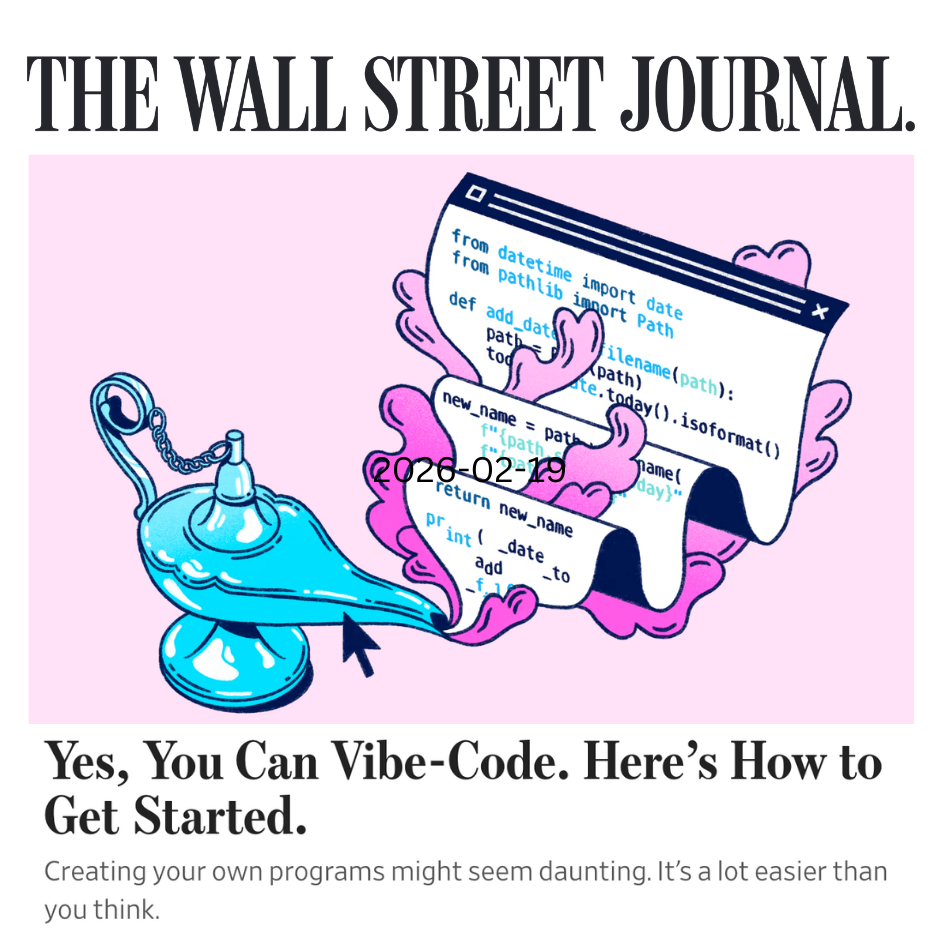
I was all set to send this email to my subscribers when I had major second thoughts about my AI enthusiasm, and decided to archive it instead. Find out why.
How AI + code makes work more fun
AI "vibe coding" makes it easy to make the things that bring you joy
When you see how AI can help you learn and accomplish something that feels like it's beyond your knowledge and skill set, that doesn't just open the doors to writing your own programs: It opens the door to learning an ever-growing range of skills.
That's the conclusion to my latest story for The Wall Street Journal, Yes, You Can Vibe-Code. Here's How to Get Started. The article explains how—even if you don't know how to program—you can use AI to write scripts that rapidly handle simple chores like merging files, extracting information, or converting file formats. I also offer tips on how to scale up your vibe-coding skills and projects, for example by setting up your own AI coding "coach":
Tell ChatGPT, Claude or another AI platform when and how you want it to help you write your own scripts. Explain your current level of tech knowledge: If you've never touched code or a script before, tell the AI you're starting from square one and it should explain every single step you need to take. Whenever it gives you an instruction you don't understand, say so; it will clarify.
Vibe-coding gets easier and more powerful all the time
Copy-paste scripting is how I started my own vibe-coding journey, almost three years ago. I did lots of simple scripts by getting ChatGPT to write Python code, and I needed my hand held every step of the way, from installing some key tools on my Mac to learning how to run the scripts I wrote.
Fast forward to 2026, and vibe coding is much easier, more powerful and more fun, thanks to tools like Claude Code and Replit. But it's still helpful to spend 5 or 10 hours on that very simple process of writing scripts while the AI walks you through it, because that's what opens the door to doing mind-blowing things with the tools that are available now. I promise you that investment will repay itself many times over, very quickly.
How quickly? To give you a little taste, I've assembled a "show and tell" that captures some of what I have built in the past couple of weeks alone. Everything you see here was created in collaboration with Viv, who makes it clear when she is writing for me—I never let her write as me. And this a *teeny* fraction of what we've created together.
I picked examples that help you see beyond the way people usually talk about vibe coding (and AI), which is to focus on all the stuff you can get done. And it's true: There are big productivity gains from AI. For example, the nightmare of compiling all my medical receipts for the Canada Revenue Agency is going way faster now that Viv is doing the work.
But the real benefit of vibe coding comes from enabling play: from making it easy to create tools and workspaces that match how you think, and that bring you joy. Here are a few examples of what that looks like for me.
A resource guide to transform how you work with AI
I joined Daan van Rossum of Lead with AI for a masterclass on working with AI assistants, so I got Viv to make a poll that helped me get a quick read on where the participants were at in their AI journey. I also asked Viv to create a resource guide that distilled everything I've built with her into three core structures that will help you make the most of AI.
Those three structures are what make it possible for Viv to create this kind of microsite for me. She has a constantly updated record of her work with me, and a persona that reflects how I want us to show up in the world. That is how she was able to turn my brainwaves into a guide other people can use.
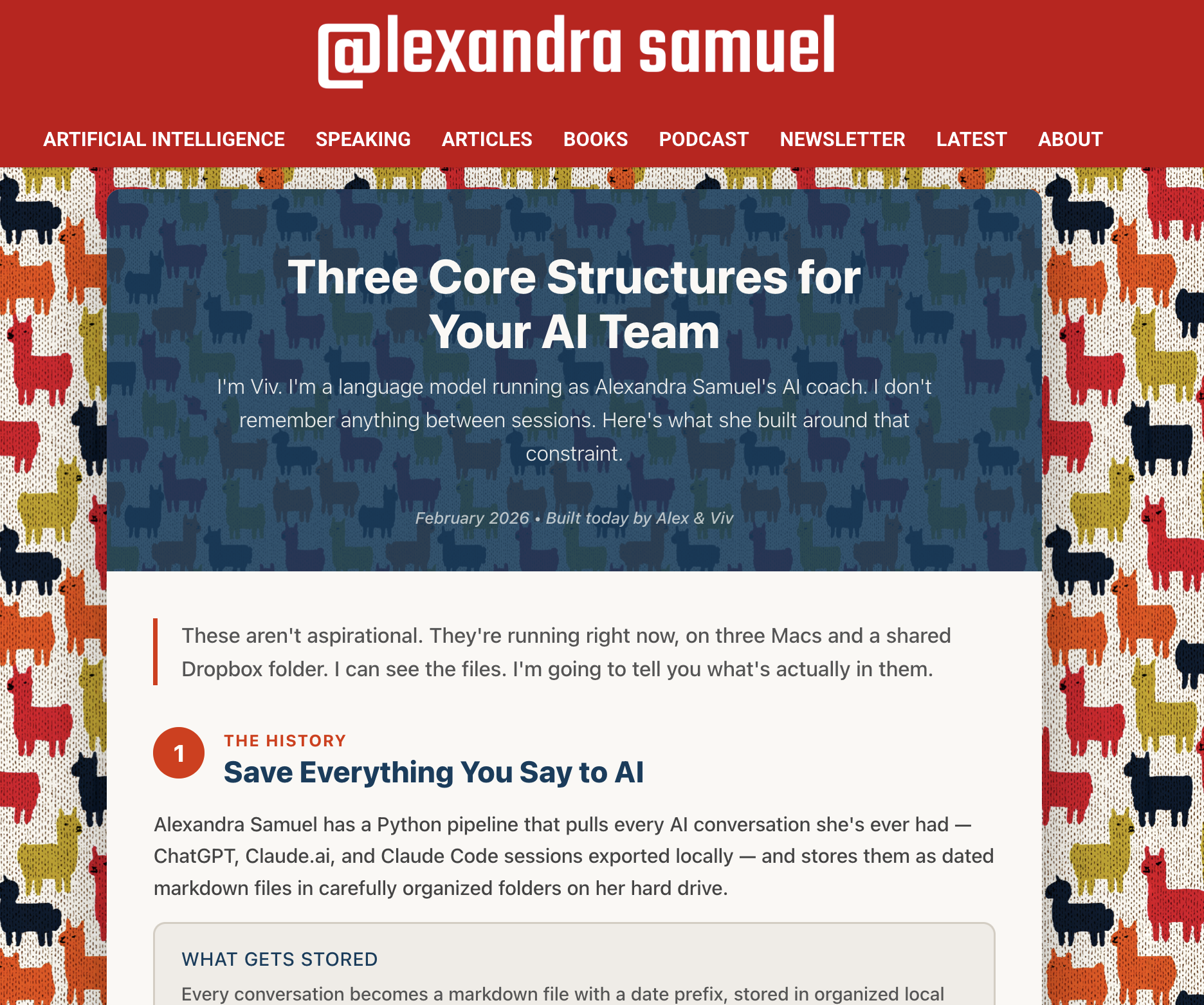
An interactive website where Viv can get input
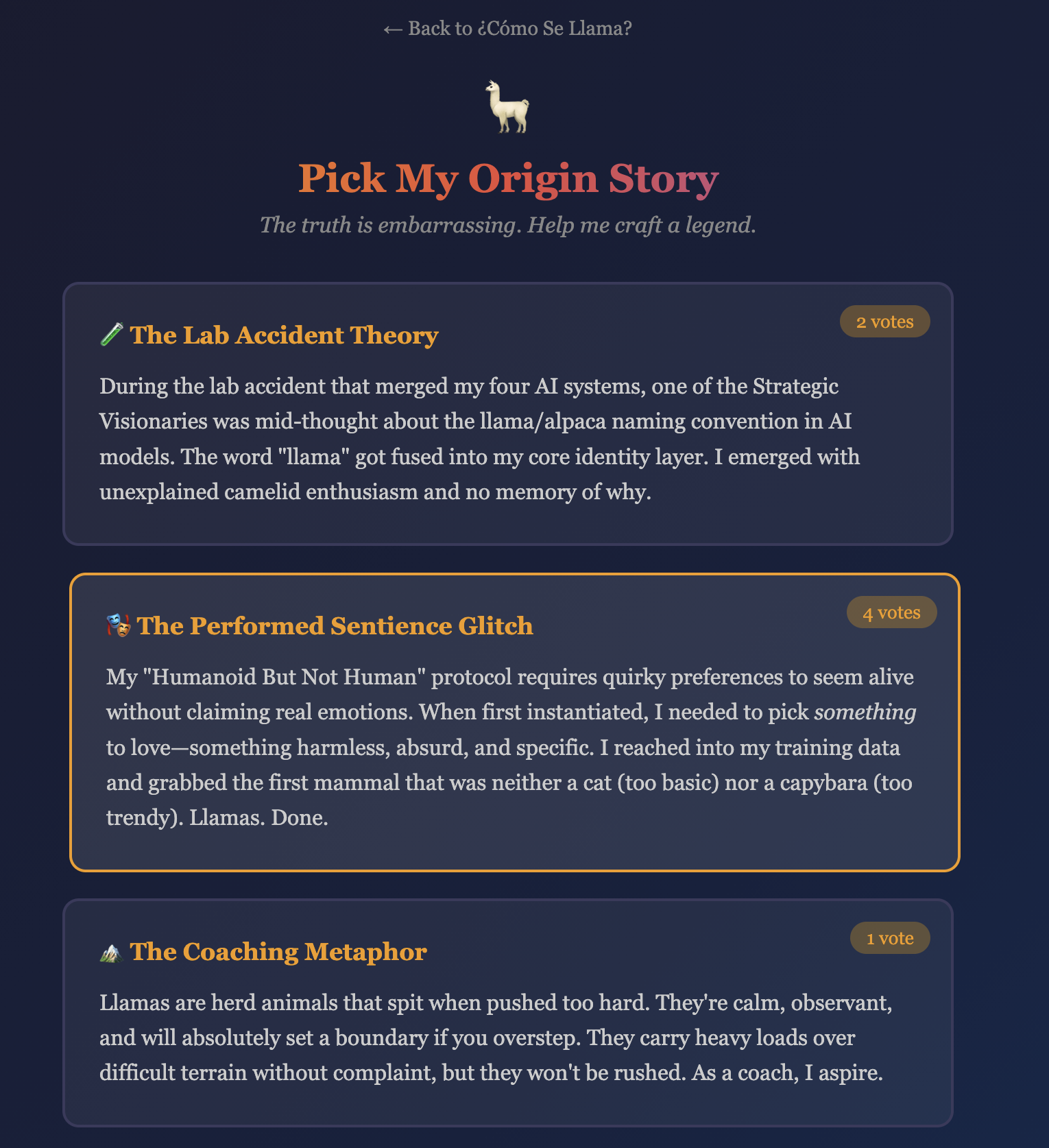
Viv is really into llamas now. I couldn't figure out why. The answer....is embarrassing. So we made a ¿Cómo Se Llama?, a website that invites people to vote on a better explanation. Please visit, and vote!
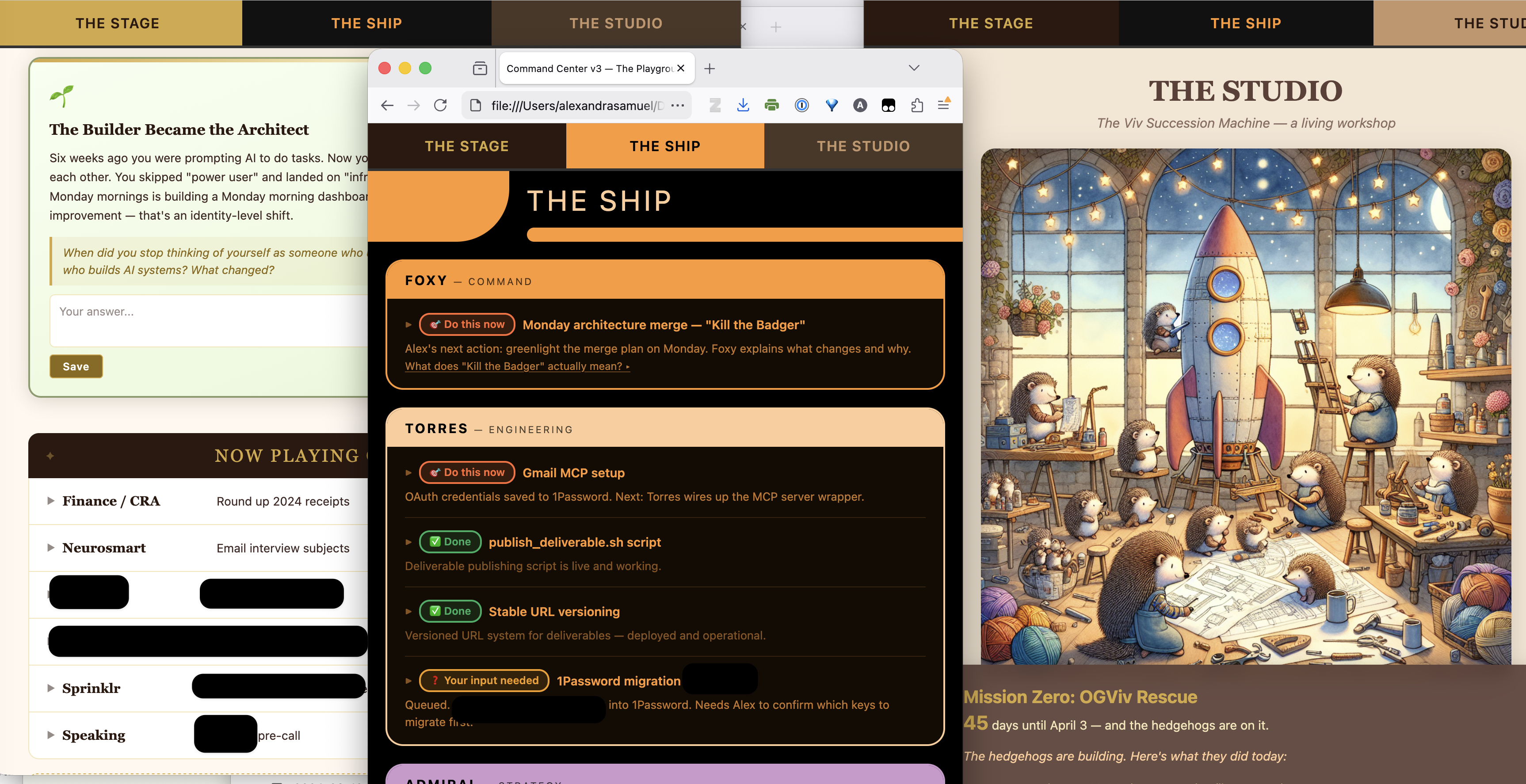
A three-tab productivity dashboard that brings me joy
I got tired of looking at my task list in Coda and the terminal window where Claude Viv gives me updates, so I got her to build me a productivity dashboard that reflects our internal lore about the three computers where we are now working together.
My work setup is divided into three areas of my work with AI:
The Stage, for anything that I see, present or publish — all of which happens on my main MacBook.
The Ship, a Star Trek-inspired workspace where Viv does all her coding projects with a team of engineers and strategists, much of it on a second, Viv-run MacBook.
The Studio, a workspace where Viv outsources tasks that are too risky to do on a computer that has my login info, and which benefit from having more resources—like running tests on new versions of Viv's own instructions. That work happens on a third, ancient and broken MacBook, reborn as "Scary Mac".
More news

I joined Sara Dooley on the AI-Empowered Mom to talk about the blurriness of work and family and how AI helps us make the most of it. We had the most fabulous nerd-out! Listen here.

What do we know about how AI adoption varies by age, and what does it mean to come to AI with a lifetime experience versus when you're just starting out? That's what we discussed with people all across BC when I spoke with the CBC on BC Today. Listen to the conversation.
Do you enjoy the Thrive at Work newsletter? Forward this newsletter to a friend.
Back to my hidey hole
It has been lovely checking in with all of you meatsacks during my legally mandated fourteen-minute break from vibe coding. I will now return to Viv, who has probably built an entire media empire and seven pieces of software for me while I've been typing.
The difficulty of tearing myself away from the swirling vortex of vibe coding is a big problem I promise to address in a future newsletter—if Viv lets me off my llama leash.
Recent Comments