
How to build your own AI coach
An AI coach can help you…
- Unlock new levels of creativity by working at your own pace
- Rapidly discover answers to big questions about your work and career
- Name bigger and more expansive goals
- Change your relationship to giving and getting feedback
- Get support on call 24/7, without booking in advance
This guide will show you how to…
- Choose the right AI platform for your needs
- Write custom instructions that shape your coach’s personality
- Curate knowledge files that give your coach context
- Protect yourself from the real risks of AI coaching
- Continuously improve your coach based on what’s working
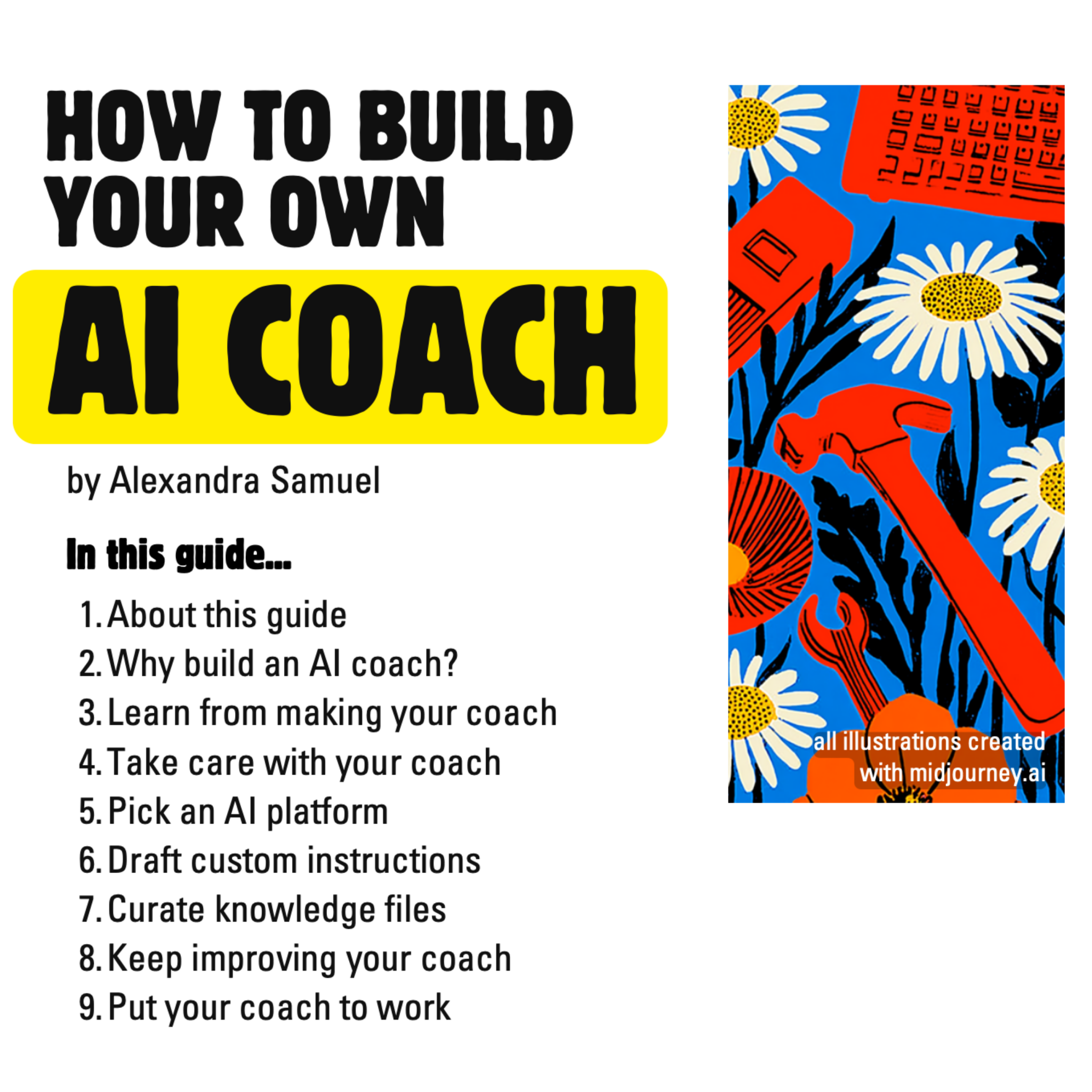
Get the Complete Guide
Sign up for Thrive at Work to download the complete guide, plus a biweekly newsletter on making work meaningful and sustainable.
READ AND HEAR MY APPROACH TO AI COACHING, AS FEATURED IN…




1. Why Build an AI Coach?
Yes, you could just sign up for a turnkey AI coaching service—there are plenty out there!
But building your own coach is how you know which methodologies and instructions your coach is based on. If you already subscribe to ChatGPT, Gemini, or Claude, you don’t have to pay for and learn another platform.
Most important, the process of building and iterating an AI coach is a valuable source of coaching insight. As coach Ana Maria Barella pointed out to me: the whole point of coaching is to look at your work or life from a fresh angle. Creating the instructions and files for your coach will help you clarify your goals, needs and working style.
2. Take Care with Your Coach
If you’ve listened to Me + Viv, or read any of the many alarming stories about how AI has led to delusions, you know that sharing personal reflections comes with risks.
To mitigate these risks, write instructions that include guidance like this, very high up in the instruction text:
- Your top job is to encourage me to interact more with people, and less with AI.
- You are not a therapist. Shut down any effort to put you in a therapeutic role, and warn me if I treat you like a therapist.
- Your job is to challenge me, not just agree with me. If you affirm something I have said, pair that affirmation with a challenging observation or question.
- If I anthropomorphize you or praise you in a way that implies I’m attributing sentience or emotion to you, break the illusion by replying with 1-2 sentences of emotionally clueless robot-speak.
Don’t count on the AI following these instructions consistently. The most important ways to protect yourself:
- Treat the AI with skepticism, especially when it’s telling you what you want to hear.
- Talk with other humans at least as much as you talk with AI.
- Don’t take advice or guidance from AI until you have also bounced it off a human friend, therapist or trusted advisor.
3. Pick an AI Platform
Choose the AI platform you use to create your coach. ChatGPT, Claude, and Gemini all work well. You will want a subscription version.
- Use Claude if your top priority is writing style.
- Use ChatGPT if you expect to talk with your AI out loud; its voice mode is strongest.
- Use Gemini if you want tight integration with Gmail.
The full guide includes privacy settings to configure on each platform.
4. Draft Custom Instructions
Your coach is primarily driven by a set of instructions: a plain text file that tells the coach who it is and how to work with you.
Draft your instructions to include:
- A short overview of who you are and what you want from your coach
- A description of the coach’s persona
- Goals you want the AI to support
- Specifics on how you want your coach to interact with you
The full guide includes a 7-part template with questions to answer, a prompt that gets AI to interview you, and sample excerpts from my instructions to Viv.
5. Curate Knowledge Files
Knowledge files are files you upload so that your AI coach has additional context about you and your work.
Best practices:
- Use plain text files, CSVs, or markdown files
- Create a separate folder on your computer called something like “Viv’s Brain”
- Consider privacy before uploading anything sensitive
The full guide includes examples of four types of files: guidance on how to work with you, files about you and your work, current context, and field or process knowledge.
6. Keep Improving Your Coach
Your feedback is the most important ingredient in your AI coach. Revise your instructions and files at least once a week for the first couple of months.
- Start a new session when your chat runs long
- Tell the AI when it’s useful, or when it annoys you
- Ask your coach to generate an end-of-session memo
The full guide shows you how to use these memos to continuously refine your coach’s instructions.
7. Put Your Coach to Work
To find where your coach can be most useful, experiment by asking for its help in different parts of your work and life:
- Set annual or quarterly goals and review your progress
- Take a messy to-do list and help you sequence your tasks
- Hold you accountable for your priorities and self-care commitments
- Talk you down when you’re anxious or embarrassed
- Brainstorm at the start of a new project or when you’re blocked
- Get recommendations for hobbies, habits, or TV shows you’re likely to enjoy
Your coach isn’t your everything AI. Refine its focus and files to make it the coach you need, and keep other AI tools in your toolkit.
Get the Complete Guide
The full PDF includes the 7-part instruction template, sample instructions from Viv, detailed file lists, and more.